Your commute, ready when you open the app
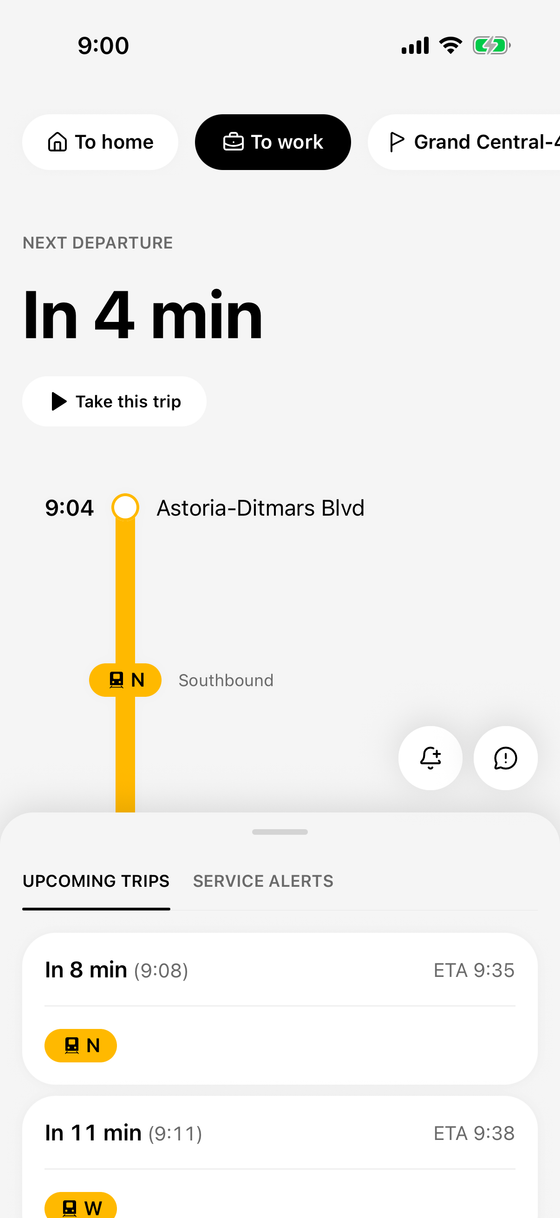
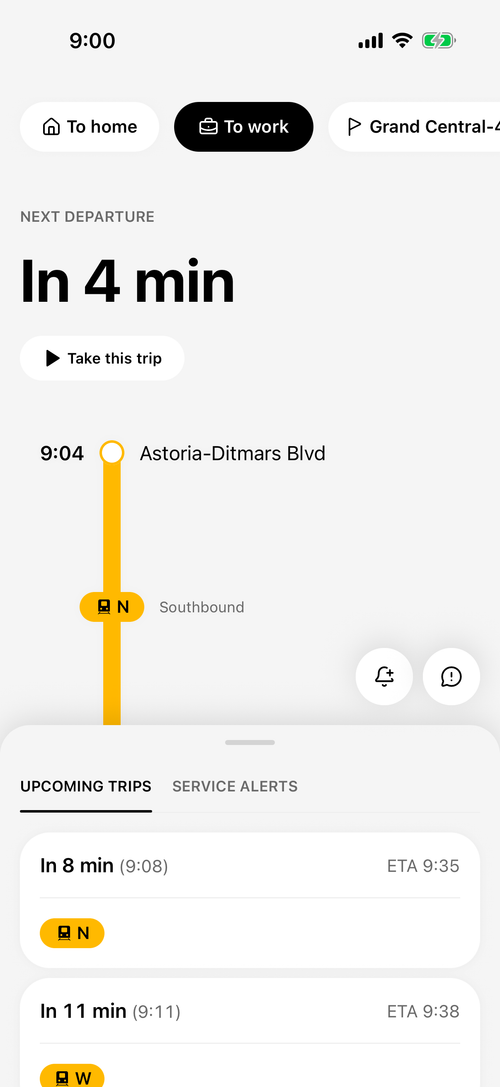
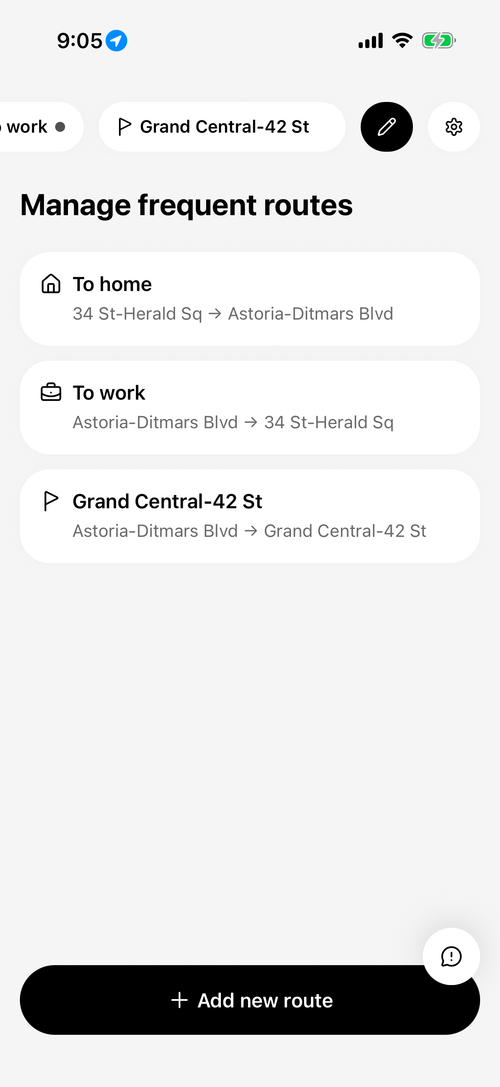
Save the trips you take often. Open Skiffr and your last route's next departures are already loading.
 Skiffr
Save the trips you take. Skiffr has your next departures ready when you open it, and follows along to your stop.
Works across the subway, PATH, NJ Transit and NYC Ferry.
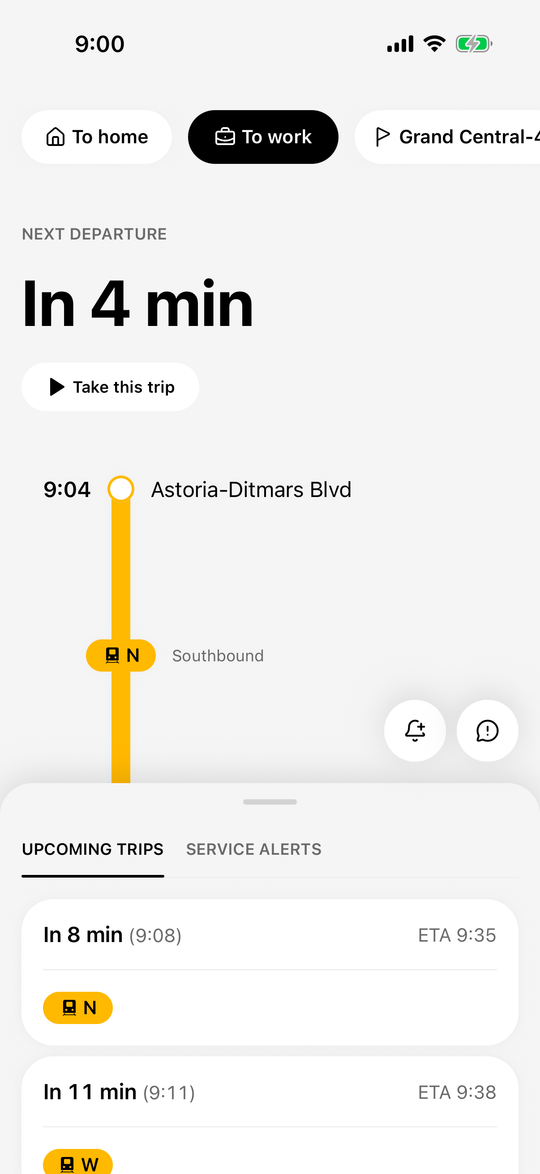
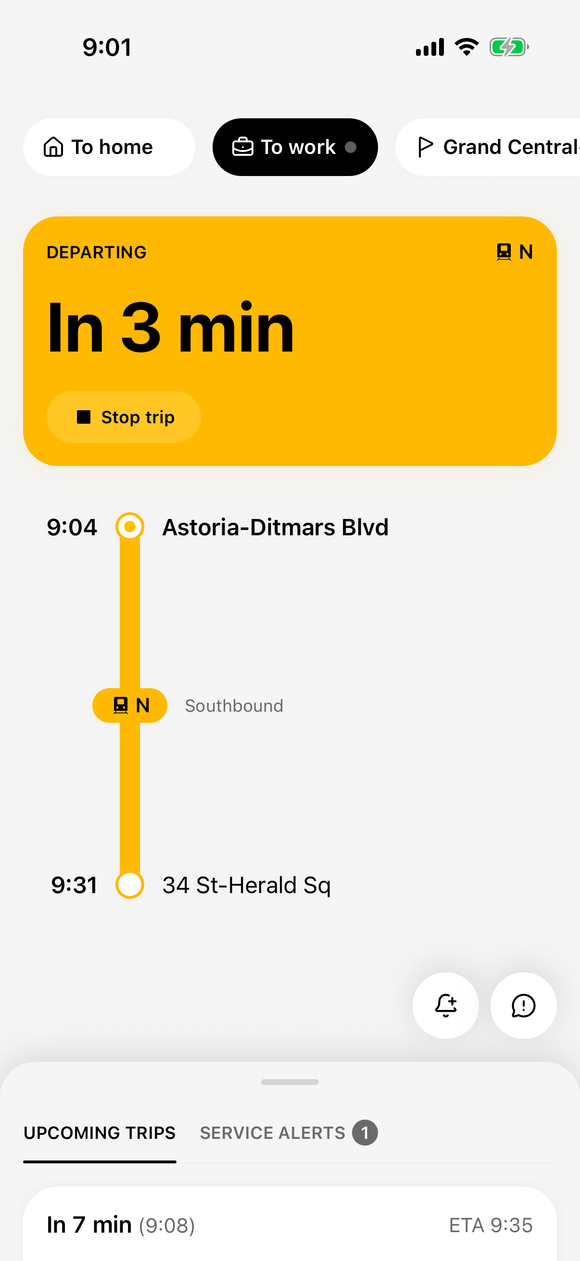
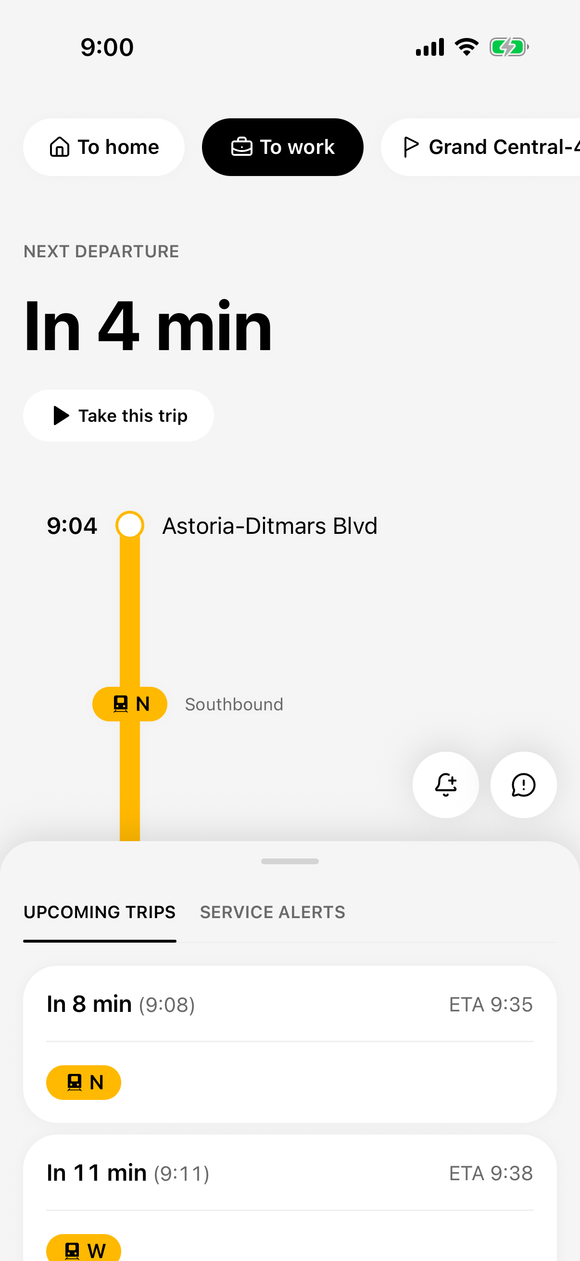
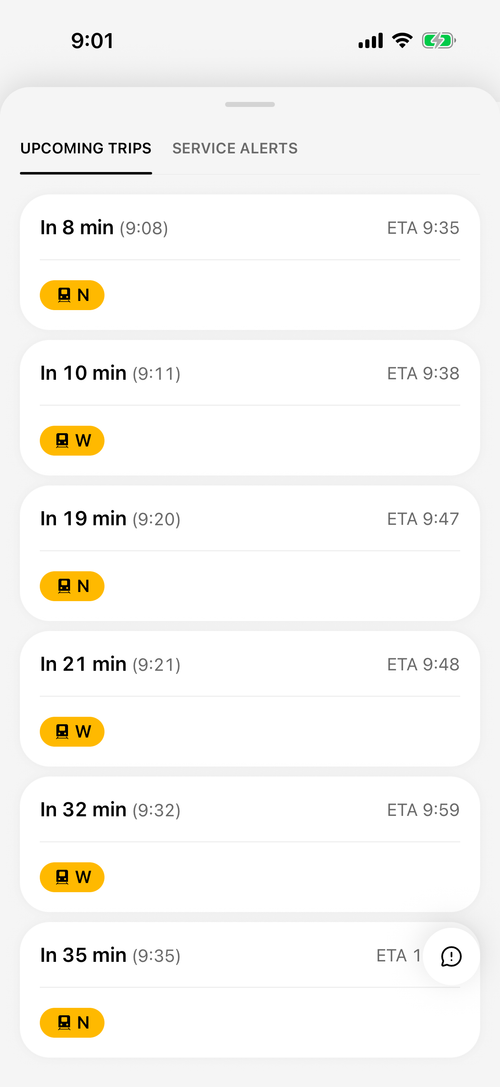
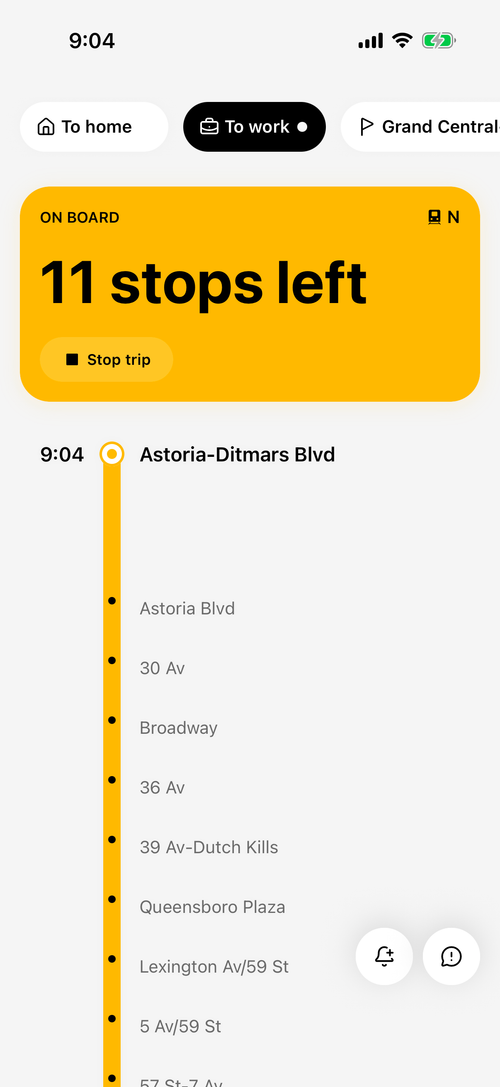
A morning on the N, from Astoria-Ditmars Blvd to 34 St-Herald Sq.
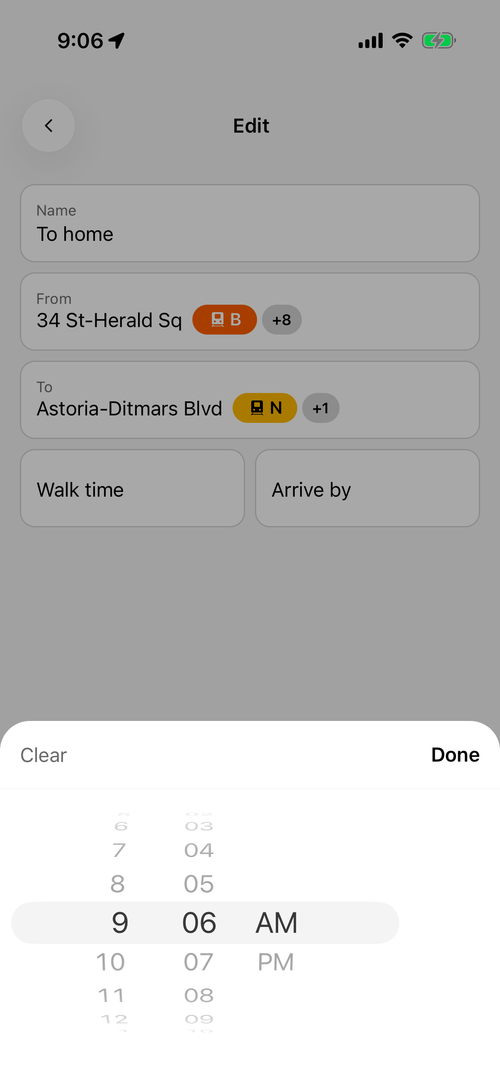
A reminder before you need to leave, timed to your arrive-by time.
Open Skiffr and your route's next departure is waiting. Tap "Take this trip" to follow along.
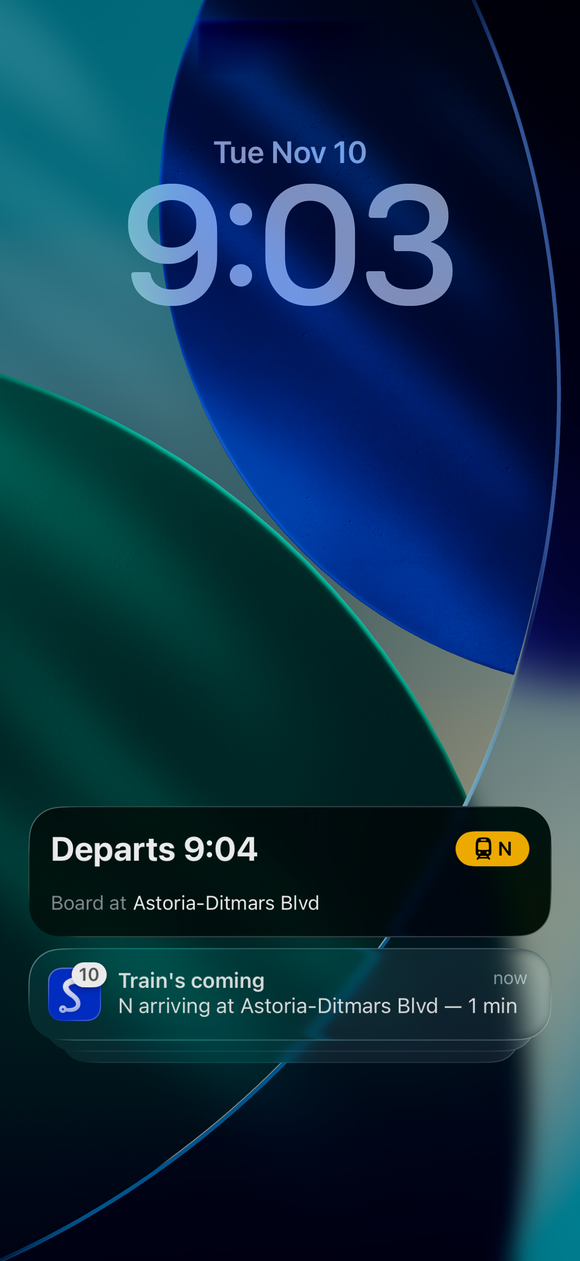
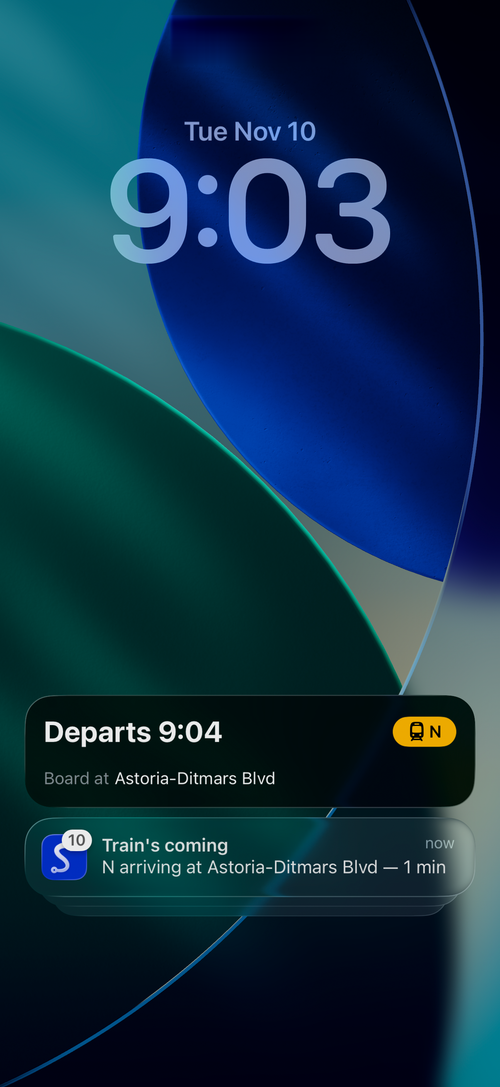
A heads-up as the N pulls in.
Your departure stays on the lock screen.
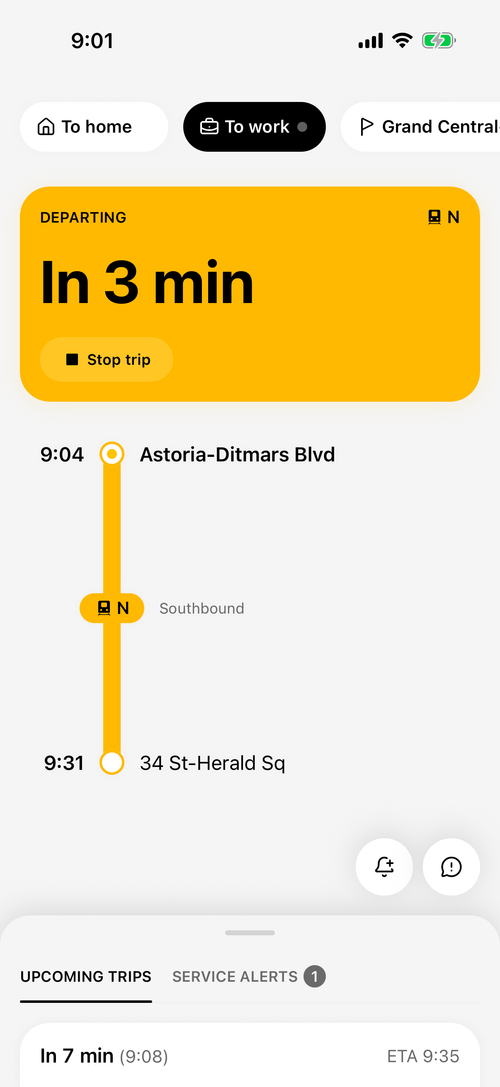
Once you're on board, Skiffr tracks where you are.
Stops left, where to get off and your estimated arrival, at a glance.
So you're at the door before the doors open.
Save the trips you take often. Open Skiffr and your last route's next departures are already loading.
Set an arrive-by time on a subway route and turn on reminders: Skiffr reminds you when to head out, counting the walk time you set.
Tap "Take this trip" and follow along from your lock screen: stops left, where to get off, and a nudge one stop before.
Set when you need to be there. Skiffr suggests the latest departure that should get you there by then, on subway routes.
Turn them on to hear about delays and service changes on your saved subway routes.
Report what you see on your lines, and see what other riders report.
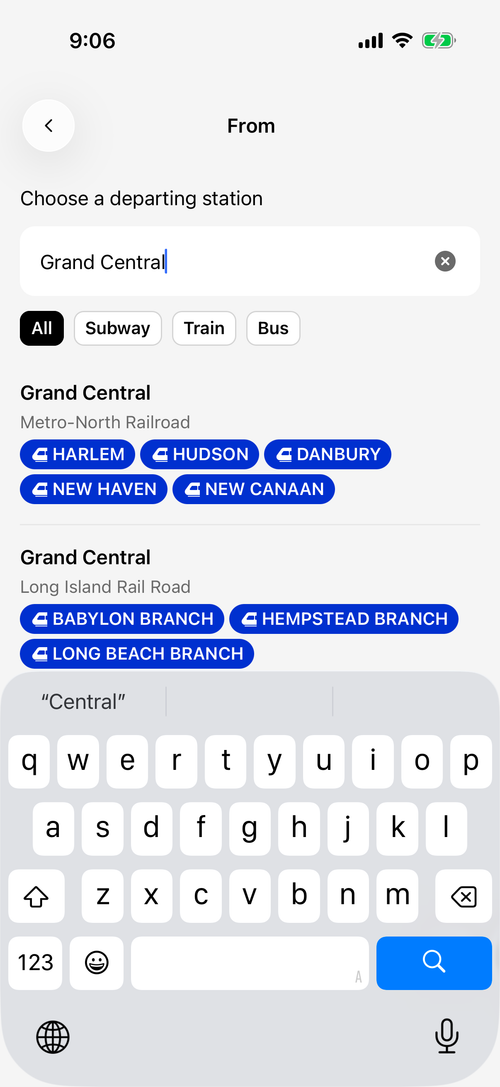
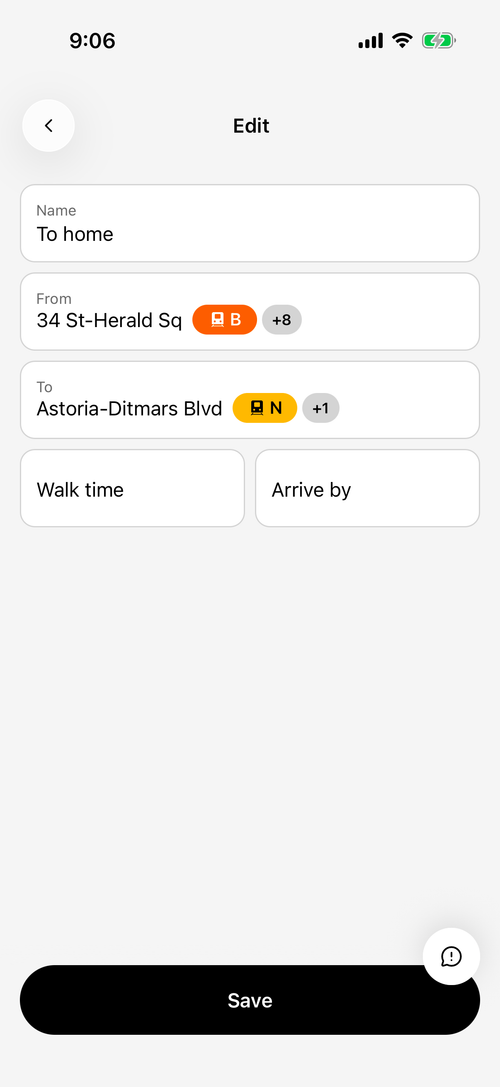
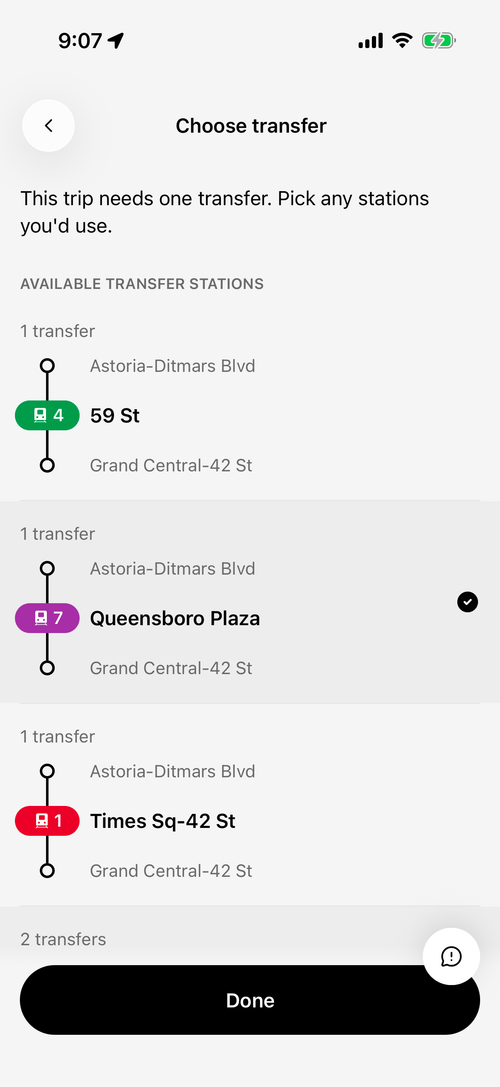
The subway, PATH, NJ Transit and NYC Ferry.
Alerts about delays, departures and when to leave are off until you turn them on in Skiffr's settings. A trip you've started always sends its own alerts, as long as iOS notifications are allowed. The reminder to leave only works on subway routes that have an arrive-by time. Alerts for departures near you need location access set to "Always".
Tap "Take this trip" on the route you're riding. Skiffr shows it on your lock screen and in the Dynamic Island. It needs location access to start.
Yes. Skiffr is free to download and use.
No. Skiffr is an independent app that uses public transit data.
Tap the button in Skiffr. It asks what you expected and what happened, and sends details about your trip, location and device, with a screenshot you can remove, so we can find the problem faster.
Skiffr is free to download and use.